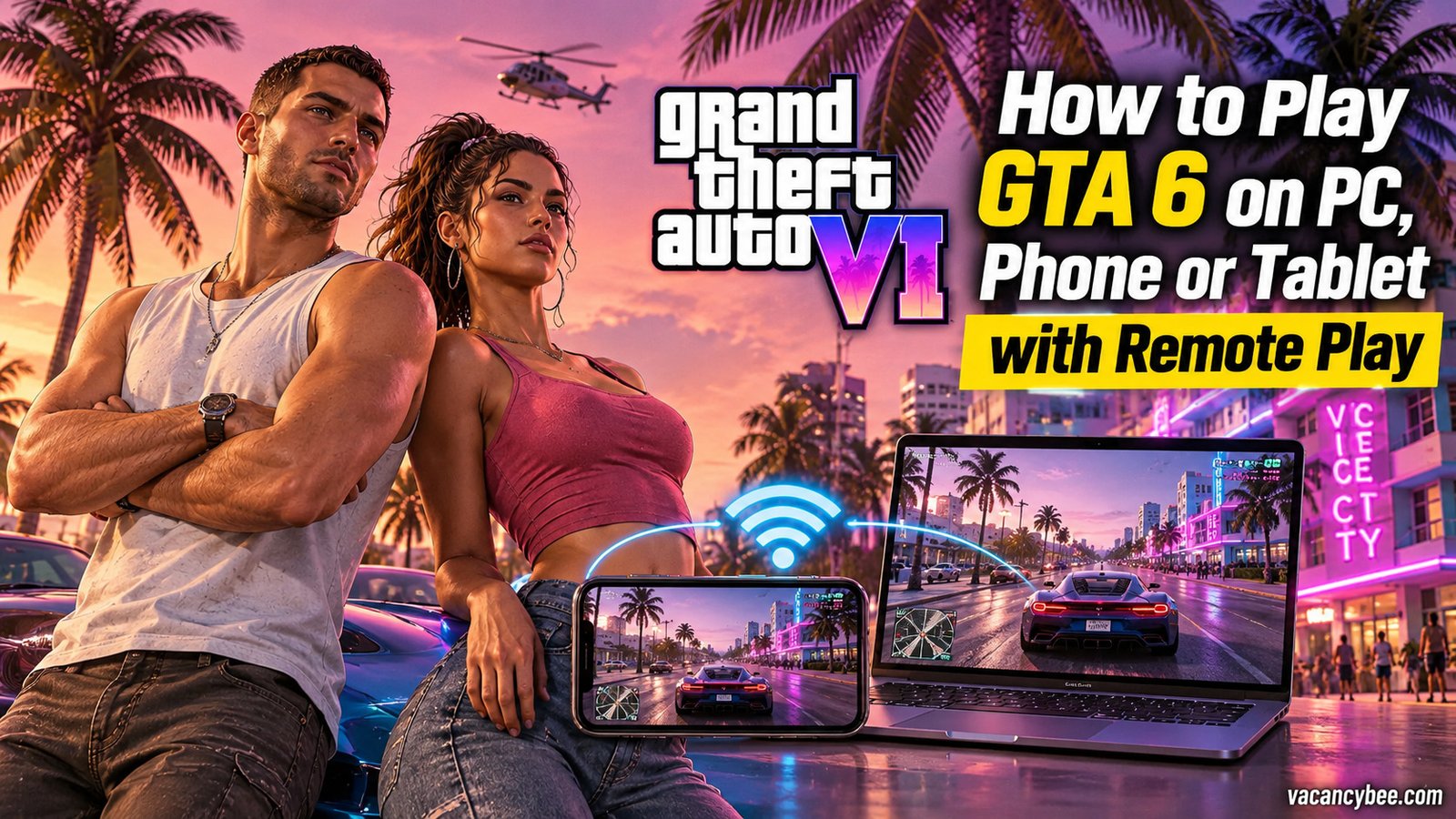
You can’t install GTA 6 on a PC, phone or tablet — but you can absolutely play it there. Grand Theft Auto VI launches on November 19, 2026 for PS5 and Xbox Series X|S, no PC version is announced, and Remote Play is the only official route onto other screens. The trick is simple: your console runs the game and streams the picture to a PC, Mac, phone, tablet or PlayStation Portal, while controller inputs travel straight back. I’ve set this up ahead of launch day, and below I break down the exact PS5 and Xbox steps, the apps and internet speeds you need, the settings that stop lag, and the mistakes that break the stream. Here’s the quick version:
| Device | App you need | Key requirement |
|---|---|---|
| PC / Mac | PS Remote Play or Xbox app | Same account as console, 15 Mbps+ |
| Phone / tablet | PS Remote Play or Xbox app | 5 GHz Wi-Fi, controller recommended |
| PlayStation Portal | Built in (PS5 only) | PS5 with Remote Play enabled |
What You Need Before Launch Day?
- Console: a PS5 or Xbox Series X|S with GTA 6 installed. The download reportedly weighs up to 212 GB and preload has been live since November 10, 2026, so free up PS5 storage the right way and install it before launch day.
- Streaming device: a Windows 10+ PC, Mac (Catalina+), iPhone or iPad (iOS 14+), Android 9+ phone or tablet, Android TV / Chromecast with Google TV, or a PlayStation Portal.
- Apps: the free PS Remote Play app or Xbox app, signed in to the same account as your console.
- Controller: DualSense, DualSense Edge or DualShock 4 for PS5; an Xbox controller for Xbox streaming. Touch controls exist on mobile, but driving through Vice City with two thumbs is misery — I always pair a controller.
- Internet: Sony requires at least 5 Mbps up and down; 15 Mbps or higher keeps the picture clean.
- Cost: nothing extra. Remote Play is free — you just need to own the game.
How to Set Up PS5 Remote Play for GTA 6?
1. Prepare the console. On your PS5, go to Settings → System → Remote Play and enable Enable Remote Play. Then open Settings → System → Power Saving → Features Available in Rest Mode and switch on Stay Connected to the Internet plus Enable Turning On PS5 from Network — that pair is what lets the app wake the console from sleep. Finally, wire the PS5 to the router with Ethernet; Sony recommends it, and it’s the single biggest quality upgrade you can make.
2. Set up the app. Install PS Remote Play on your PC, Mac, phone, tablet or TV stick and sign in with the same PlayStation account as your console. Connect a DualSense — by USB on Windows handhelds and laptops, because their built-in controls aren’t officially supported. If you own a ROG Ally, Legion Go or similar handheld, this turns it into a PS5 screen for free.
3. Connect and play. Open the app, select your PS5, wait for the handshake, then launch GTA 6. PlayStation Portal owners have it easiest: pair once and the 8-inch screen with full DualSense-style controls does the rest. One caveat — haptics and some features don’t carry over to every device.
How to Stream GTA 6 from Xbox Series X|S?
1. Enable remote features. On the console, open Settings → Devices & connections → Remote features and tick Enable remote features.
2. Fix the power mode. Set the console’s Power mode to Sleep so the Xbox can wake itself when you start a stream from elsewhere.
3. Stream from the app. Install the Xbox app on Windows, Android or iOS, sign in with the same Microsoft account, pick your console, and tap Remote play on this device. Launch GTA 6 and you’re in.
One bonus I’ve seen from players since the latest app updates: Xbox remote streaming now reportedly supports 1440p at up to 30 Mbps, so a Series X pushes a much sharper picture than it used to. Skip the cloud apps for this game, though — GTA 6 cloud streaming is locked to Xbox consoles (including Xbox One), so phones and PCs must stream from your own machine.
Remote Play vs Cloud Gaming for GTA 6
| Remote Play | Xbox Cloud Gaming | |
|---|---|---|
| Where the game runs | Your own PS5 or Xbox | Microsoft’s servers |
| Console required | Yes | No, but you must own the game |
| Streams to PC or phone? | Yes | No — cloud play stays on Xbox consoles |
| Graphics quality | Your console’s output | Reduced settings on older Xbox One hardware |
| Setup effort | One-time 10-minute setup | None, but useless for phones and PCs |
Which Device Should You Pick?
Short answer: it depends on your setup. PlayStation-only households should grab the PlayStation Portal — it was designed for exactly this job, and the built-in controls need no fiddling. If you own a Windows handheld, you get the best of both worlds: one device for GTA 6 streams and your PC game library. I keep my phone for travel and hotel stays, where its smaller screen actually hides compression artifacts, and a laptop for long couch sessions. Whatever you choose, remember the network matters more than the hardware — a wired console and a strong 5 GHz signal beat any expensive screen.
My Tips to Kill Lag and Boost Quality
- Ethernet the console and put your phone, tablet or laptop on 5 GHz or 6 GHz Wi-Fi — never 2.4 GHz — ideally in the same room as the router or a mesh node. If your home Wi-Fi is the weak link, fix it before launch day.
- If the picture turns blocky, drop the stream resolution one step in the app settings before blaming your hardware.
- Playing away from home? Your home upload speed becomes the bottleneck, so speed-test it before you travel.
- Keep the console firmware and streaming app updated — quiet connection fixes ship constantly.
- Preload GTA 6 so you’re streaming Vice City the second it unlocks on November 19, 2026.
Common Mistakes to Avoid
The errors I see most: skipping the rest-mode wake settings, so the app can never find the PS5; signing in with a different account than the console’s; leaving your streaming device on 2.4 GHz three rooms from the router; and forgetting to preload a file that can eat 212 GB and hours of download time. Away from home and the app can’t reach your console? Restart the router and enable UPnP. If the stream connects but stutters, it’s almost always the Wi-Fi link to your device, not the console itself.
FAQs
Can I play GTA 6 on PC?
Not natively. No PC version or PC cloud option exists yet, so the only way is streaming it from a PS5 or Xbox Series X|S with Remote Play.
Does GTA 6 work on PlayStation Portal?
Yes. The Portal runs on PS5 Remote Play, and support for GTA 6 is confirmed — it’s the cleanest way to keep playing when the TV is busy.
Why won’t PS Remote Play find my PS5?
Check both rest-mode wake settings, confirm the app and console share the same PlayStation account, then restart your router or enable UPnP if you’re connecting over the internet.
How fast does my internet need to be to stream GTA 6?
At least 5 Mbps up and down; 15 Mbps or higher for a sharp stream. Away from home, your home’s upload speed decides everything.
Can I stream GTA 6 from Xbox Cloud Gaming to my phone?
No. GTA 6 cloud play runs only on Xbox consoles, including Xbox One. Phones, tablets and PCs need Remote Play from your own console.
Related Reads

Related Articles