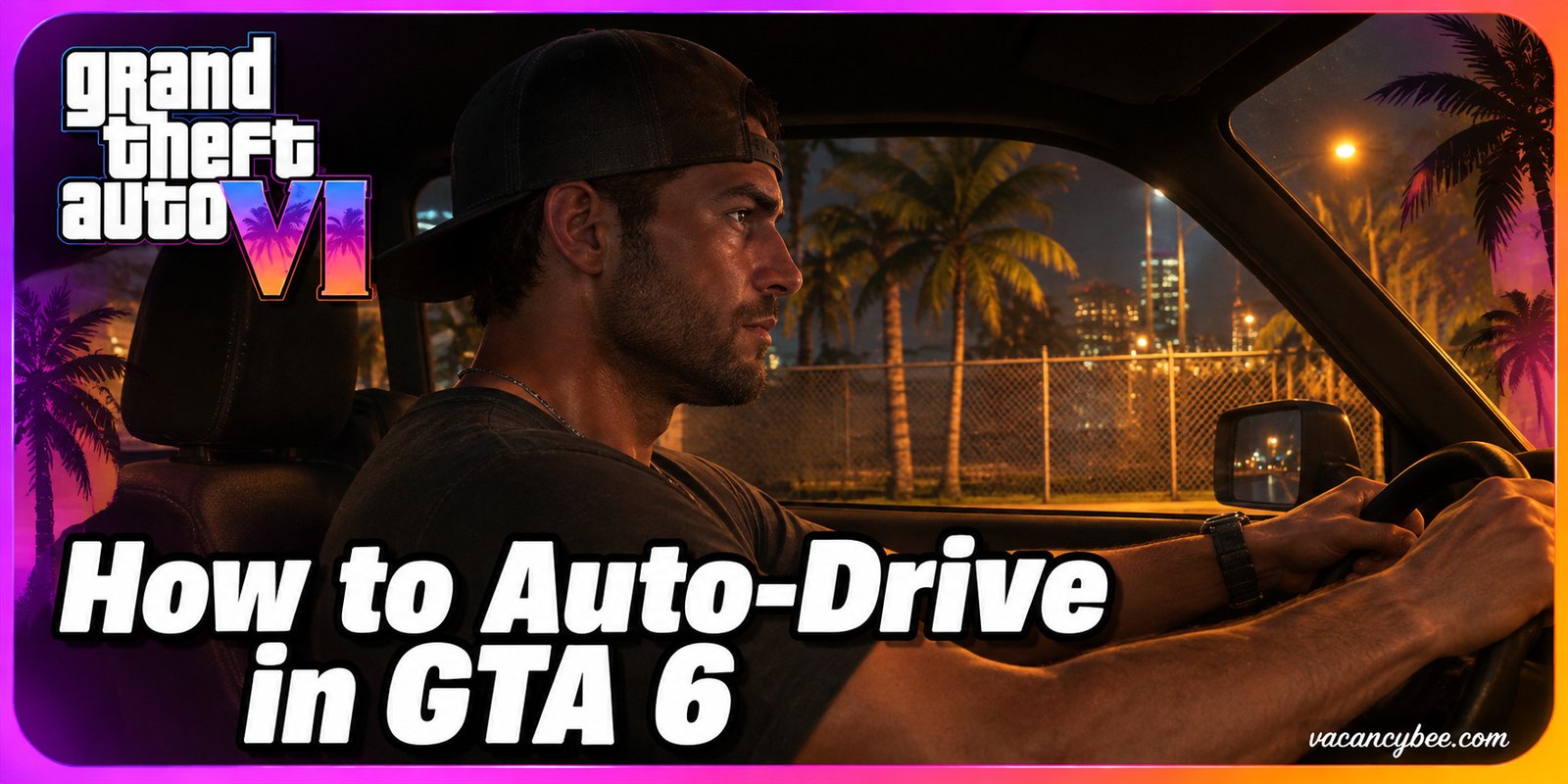
Cruising from Vice City to the far side of Leonida takes serious real-world time, and I’d rather spend it lining up my next job than staring at taillights. That’s exactly what Auto-Drive is for: hand the wheel to the AI, sit back in Cinematic Mode, and let the game chauffeur you to your waypoint while you plan your route or soak in the scenery. It’s built into every console copy of the game at launch, costs nothing, and needs no unlocks — just one settings tweak and a waypoint. The short version: set a waypoint, make sure Settings → Gameplay → Auto Drive is on Unrestricted, hold Down on the D-pad and press Options/Menu to enter Cinematic Mode, then hold Circle/B while rolling and your character drives themselves to the marker. Everything below — speed controls, partner driving, boats, and fixes when the prompt won’t show — is current for November 2026.
| Detail | Quick Answer |
|---|---|
| What it does | AI drives your car or boat to a set waypoint |
| Setting location | Settings → Gameplay → Auto Drive → Unrestricted |
| How to activate | Hold D-pad Down + Options/Menu, then hold Circle/B while moving |
| Speed controls | R2/RT to speed up, L2/LT to slow down |
| How to exit | Hold Down on the D-pad |
| Vehicle support | Cars, trucks, and boats in navigable water |
| Skip driving entirely | RydeMe app, $100 skip fee |
How to Enable Auto-Drive in GTA 6 (Cinematic Mode)
One setting gates the whole feature, and I recommend flipping it before your first road trip. GTA 6 ships with Auto Drive on Restricted, which only lets the AI take over in traffic scenarios the game deems safe. Switch it to Unrestricted and Auto-Drive works whenever you ask, though an overconfident AI driver can still cause the odd fender bender in busy traffic.
- Set a waypoint. Open the map and mark anywhere drivable. No marker, no Auto-Drive prompt — this is the step most players miss.
- Get moving. Enter any car, truck, or boat (Triangle/Y) and start driving manually.
- Enter Cinematic Mode. Hold Down on the D-pad and press Options (PS5) / Menu (Xbox) while still holding Down.
- Trigger the prompt. Keep rolling and tap R2 (PS5) / RT (Xbox) to accelerate slightly until the Auto-Drive prompt appears on screen.
- Hand over the wheel. Hold Circle (PS5) / B (Xbox) and your character drives to the waypoint while the camera cuts between cinematic angles.
Set the waypoint before opening Cinematic Mode; the prompt simply doesn’t appear otherwise.
How Auto-Drive Works in GTA 6?
Once active, the game takes the wheel while the cinematic camera rolls, cutting between angles like a movie montage. It’s the same idea Rockstar used for auto-travel in Red Dead Redemption 2, tuned for Vice City traffic — and while it’s never the fastest way across the map, it’s easily the most relaxing.
Control the cruise from the passenger seat:
| Action | PS5 | Xbox |
|---|---|---|
| Speed up | R2 | RT |
| Slow down | L2 | LT |
| Exit Auto-Drive | Hold Down on D-pad | Hold Down on D-pad |
Two details worth knowing: Auto-Drive also works on boats — set a waypoint over navigable water and the AI pilots you there, disengaging automatically once the water route ends — and time spent auto-driving clears the fog of war on your map, so one long waypoint is the easiest way to reveal Leonida early without grinding gas money.
Think of the AI as a cautious rideshare driver, not a getaway ace. It treats red lights, lanes, and speed limits as non-negotiable, which means it can sit patiently behind traffic jams or accident scenes instead of weaving around them, and its idea of a good route leans scenic over speedy. If you set Auto Drive to Unrestricted and deploy it into heavy traffic, the game itself warns collisions can happen — so check your surroundings before handing over the wheel. For pursuits and getaways, you’re still the one driving, though during chases with both protagonists in the car you can swap between driver and passenger seats while the uncontrolled character is handled by the AI.
How to Let Jason or Lucia Drive for You
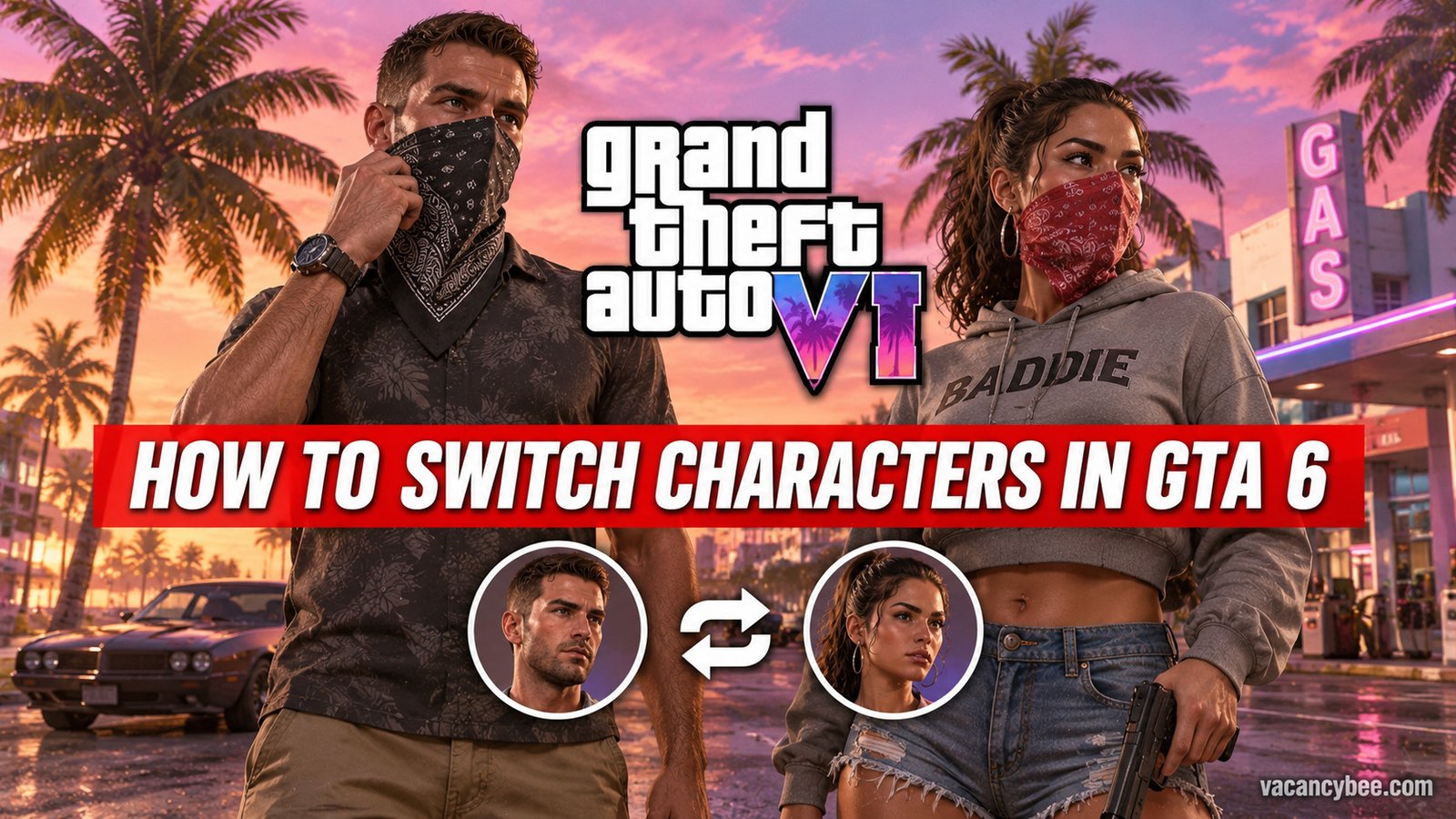
Traveling as a duo gives you a second chauffeur option that feels more natural than cinematic autopilot. When Jason and Lucia share a car, hold Right on the D-pad and press R1 (PS5) / RB (Xbox) to switch characters; the other takes the driver’s seat and the AI handles the road while you ride shotgun. From the passenger seat, hold Right and press Square (PS5) / X (Xbox) to tell your partner to pick up the pace — handy when the AI’s idea of cruising is 25 mph.
Skip the Drive Entirely with RydeMe
For instant travel, GTA 6’s ride-hailing app beats everything. RydeMe unlocks after the “Buck Me” mission in Chapter 1. Open your phone (Up on the D-pad), book a ride to any map marker, hop in when the driver arrives, then hold L2/LT to talk to them and press Triangle/Y to skip the journey for a $100 fee on top of the fare. One warning from my own runs: pulling a weapon or causing chaos near the ride suspends your RydeMe account for roughly 15–20 in-game minutes. Early on that $100 hurts, so I’d auto-drive instead and keep the cash for weapons and wardrobe.
Auto-Drive Not Working? Quick Fixes
- No prompt on screen — you haven’t set a waypoint, or the car isn’t moving yet.
- Circle/B does nothing — Auto Drive is still on Restricted in Settings → Gameplay; switch it to Unrestricted.
- AI stops mid-route — traffic jam or roadblock ahead; hold Down to retake control and steer around it.
- Boat won’t auto-pilot — your waypoint ends on land; the AI only navigates open water.
- Camera keeps cutting oddly — the Idle Camera setting can drop you into Cinematic view on its own; set it to Off if you only want Auto-Drive when you ask.
One platform note for 2026: Auto-Drive is on PS5 and Xbox Series X|S at launch, and there’s no PC version yet — so keyboard mappings will only arrive if Rockstar ports the game later.
Pro Tips for Long Auto-Drive Trips
After a handful of long hauls across Leonida, three habits made Auto-Drive genuinely useful instead of a slow gimmick. First, chain your chores: set one long waypoint across the state and let the fog of war clear while you sort weapons, outfits, and phone contacts from the pause menu. Second, treat Cinematic Mode as your radio time — camera angles rotate automatically, so it’s the best way to enjoy stations and Leonida’s neon nightscape without crashing into a bush every ten seconds. Third, when you’re in a hurry, skip the AI entirely: Auto-Drive’s scenic pace is perfect for soaking in the map, but a manual drive or a $100 RydeMe skip will always beat it in a race against a mission timer.
Frequently Asked Questions
Do you need a waypoint to use Auto-Drive in GTA 6?
Yes. Mark a destination on the map before entering Cinematic Mode, or the Auto-Drive prompt never appears.
Can you auto-drive boats in GTA 6?
Yes. Auto-Drive works on water vehicles across navigable waters and switches off automatically when the water route ends at a land destination.
How do you make Jason or Lucia drive in GTA 6?
Hold Right on the D-pad and press R1 (PS5) / RB (Xbox) while both characters are in a vehicle. As a passenger, hold Right and press Square/X to ask them to speed up.
Why won’t Auto-Drive activate in GTA 6?
Three usual culprits: no waypoint set, the vehicle isn’t moving, or the Auto Drive setting is on Restricted. Fix those and hold Circle/B while rolling.
How much does RydeMe fast travel cost in GTA 6?
Each ride charges a base fare plus a $100 skip fee. The app unlocks after the “Buck Me” mission in Chapter 1.
Related Guides
- GTA 6 Cheat Codes — every verified D-pad code and how to unlock them.
- GTA 6 Ultimate Edition Content — all 16 bonuses and the $20 upgrade math.

Related Articles