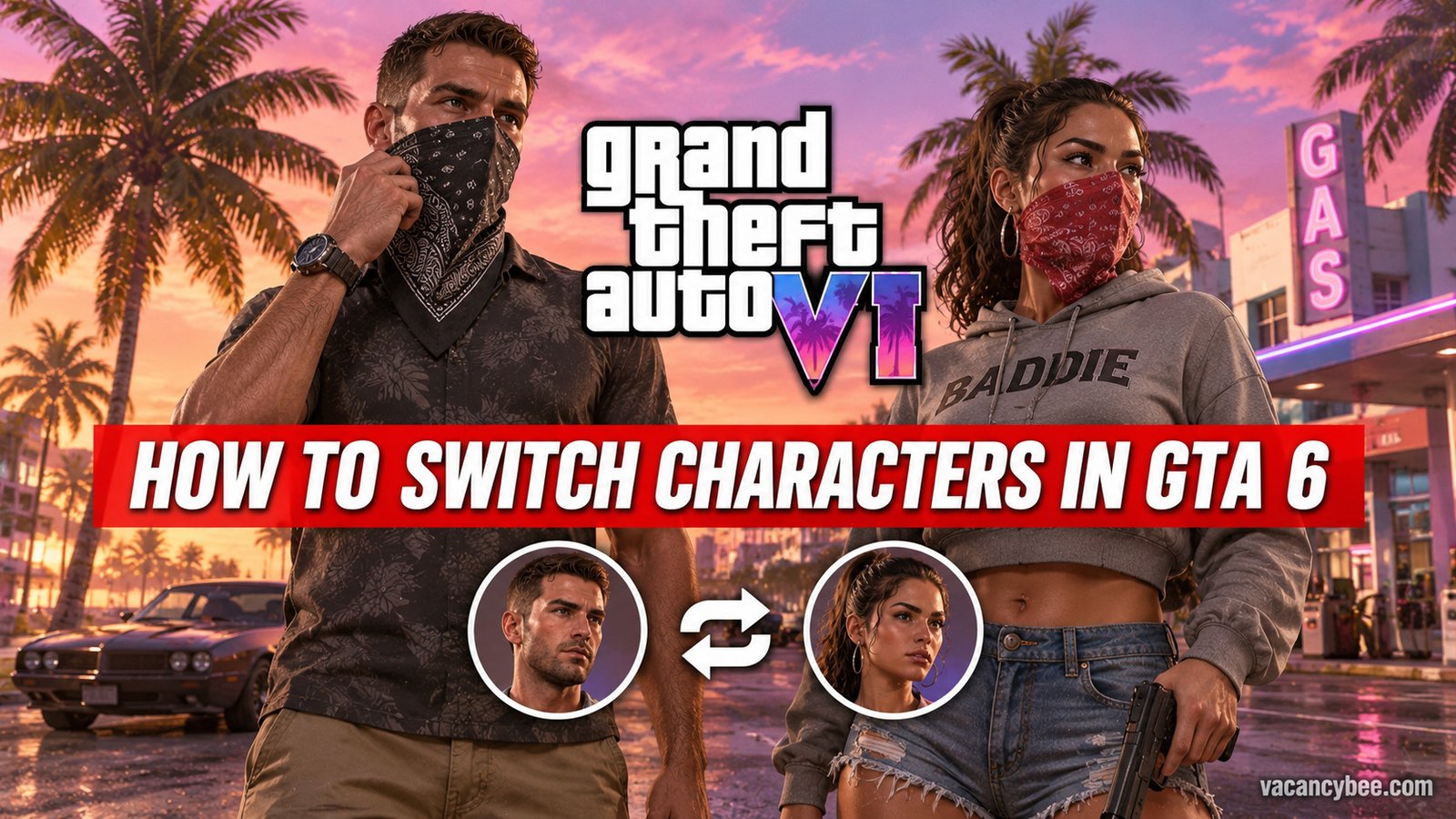
To switch characters in GTA 6, hold Right on the D-pad to bring up Jason and Lucia’s character icons in the bottom-right corner of the screen, then press R1 on PS5 or RB on Xbox to swap. The camera cuts straight to the other character, wherever they happen to be in Leonida.
It sounds simple, but Rockstar locks the feature behind story progress, and a few quirks can leave the swap greyed out exactly when you need it. I’ve put together everything I learned in my first hours with the game: the exact controls, when Jason and Lucia both become playable, why the wheel locks you out, and the partner commands most players never touch.
| What You Need to Know | Details |
|---|---|
| Swap controls (PS5) | Hold Right on the D-pad + press R1 |
| Swap controls (Xbox) | Hold Right on the D-pad + press RB |
| PC | No PC version at launch (November 2026) |
| When it unlocks | After Chapter 1, early in Chapter 2 |
| Swap fails when | Mission locks, story restrictions, or your other character is mid-travel |
When Can You Switch Characters in GTA 6?
You can’t switch characters from the start, and that catches plenty of players off guard. GTA 6 opens with Lucia, but she’s serving her sentence at the Hamlet Corrections Center, so after the intro the game shifts you over to Jason for most of the opening stretch.
Once you complete the “Gone Fishing” mission, the open world opens up — but only as Jason. The first time you play alongside Lucia is the “Day Release” mission, and once it wraps, she heads back to serve out her parole while you keep going solo. Later Chapter 1 missions, like “Tourist Trap,” put you in Lucia’s shoes again, but free-roam switching still isn’t yours yet.
The real thing unlocks once Chapter 1 wraps, roughly a third of the way through the story, early in Chapter 2. From that point, Jason and Lucia both roam Leonida on their own, and the swap wheel is yours almost whenever you want it.
Rockstar has openly explained why the restriction exists. Rob Nelson, Rockstar North’s co-studio head, told Famitsu that some sections “want you to experience it from a certain character’s perspective, like GTA 5,” while other missions — he pointed to the trailer moment where the pair come under attack — let you “freely alternate switching between Jason and Lucia.”
My advice while you wait: don’t rush the early missions just to unlock the wheel. Enjoy playing Jason and Lucia separately, because their solo chapters are where the game builds most of its setup, and you’ll hit the unlock point naturally in a few evenings of play.
How to Switch Between Jason and Lucia Step by Step
Once you’re past Chapter 1, swapping takes about two seconds:
- Hold Right on the D-pad. Character icons appear in the bottom-right corner of the screen.
- Press R1 (PS5) or RB (Xbox) while still holding the D-pad. The swap fires immediately.
- Watch the transition. If the two characters are close together, the changeover is instant. If they’re on opposite ends of the map, the camera zooms out, sweeps across Leonida, and drops you into control a few seconds later.
- Let go and keep playing. Your new character picks up exactly where they were standing.
There’s no keyboard version of this yet — the game is controller-only on consoles, and Rockstar hasn’t announced a PC release. If you’re streaming the game on Xbox One through Xbox Cloud Gaming, the same D-pad and RB inputs apply on your streamed controller.
One detail I love: the character you just left doesn’t freeze in place. They keep living their own routine — sometimes calling a RydeMe ride and driving off on their own. Leonida feels genuinely alive because of it, and it also explains one specific lock-out, covered next.
Why the Character Switch Is Greyed Out?
If the other character’s icon is greyed out, one of three things is going on:
- Mission locks. Some story missions require a specific character. The other icon stays disabled until the mission ends.
- They’re mid-travel. If the character you swapped from just called a RydeMe and is still driving, the swap stays locked for a short while. Give it a minute — it clears once they settle.
- Story restrictions. At certain narrative beats the game either switches characters for you or locks one of them on purpose. That’s Rockstar’s design choice for perspective, and it’s a direct callback to how GTA 5 handled Michael, Franklin, and Trevor.
None of these are bugs. Wait out the mission or the ride, and the wheel comes back on its own.
How Switching Works During Missions?
Outside the open world, the rules shift a little, and knowing them saves you from fighting the HUD. During set-piece story moments, GTA 6 sometimes switches characters for you — the narrative simply cuts to the other protagonist when the scene demands it. You don’t press anything; the game hands you the other character and moves on.
Then there are missions built around the duo, where the game relaxes the rules and lets you alternate between Jason and Lucia as much as you want. Rockstar pointed to one such mission — the ambush moment shown in the trailers — as its example of free alternating. In those sequences, the swap works even in the middle of a fight, so you can flip between the pair to handle whatever the mission throws at you.
The rest of the campaign splits somewhere in between: you’re pinned to one character for the section, and the wheel stays dark until that mission wraps. If you’re ever unsure which mode you’re in, look at the icons — full color means you’re free to swap, grey means the game has other plans.
Pro Tips: What Else the D-Pad Wheel Can Do?
Switching is only half of what holding Right on the D-pad unlocks. When Jason and Lucia are together, the wheel opens a set of partner commands that quietly make life easier:
- Assign driving. Put your partner on the wheel while you ride shotgun. I like playing Lucia and letting Jason drive so I can shoot at pursuers, make calls, or just take in the scenery.
- Direct your partner mid-chase. Tell the character you’re not controlling to hop out and distract the cops, or open fire on whoever’s tailing you.
- Check in remotely. When a blue icon appears over a character’s profile picture, hold Right on the D-pad and press Triangle (PS5) or Y (Xbox) to call them to your spot — perfect before a joint mission instead of hunting them across the map.
- Run robberies together. Holding Right during a job surfaces extra options, including escape setups and a clean way to split up afterwards.
One last thing worth knowing: time spent on activities as both characters pushes their relationship forward in the story. Swap regularly instead of defaulting to one protagonist for everything — it pays off.
FAQs
Can you switch characters in GTA 6 right away?
No. The feature stays locked until after Chapter 1, early in Chapter 2. Until then, the story decides who you play.
What button switches characters in GTA 6?
Hold Right on the D-pad, then press R1 on PS5 or RB on Xbox. The character icons show up in the bottom-right corner while you hold the D-pad.
Why can’t I switch to Lucia?
She’s either locked out by a mission, still travelling after a recent swap, or the story needs you on the other character right now.
How many playable characters are in GTA 6?
Two — Jason and Lucia. Unlike GTA 5’s three-protagonist wheel, the swap is built entirely around the couple’s partnership.
Is GTA 6 on PC?
Not at launch. As of November 2026, GTA 6 is on PS5 and Xbox Series X|S, so every control here uses a controller. Xbox One owners can still play through Xbox Cloud Gaming, and the same button layout applies when streaming.
More GTA 6 Guides

Related Articles