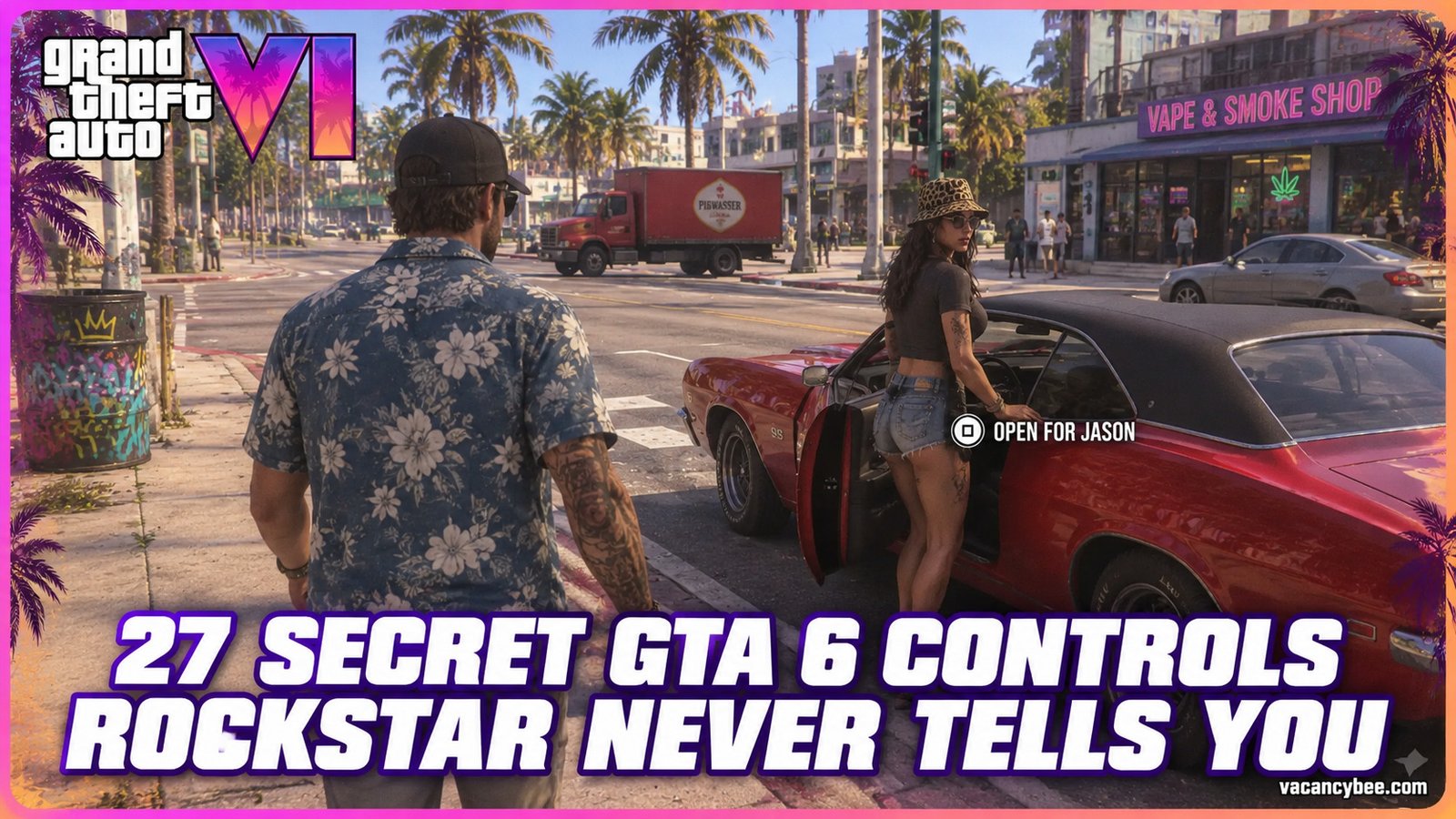
GTA 6 secret controls are hidden button inputs Rockstar never explains in any menu or tutorial: double-tap Triangle/Y when exiting to leave the engine running, set a waypoint then hold D-pad Down + Options/Menu and hold Circle/B to auto-drive, and press L3/LS then hold Square/X to flip an overturned car. I’ve tested every input below on PS5 and Xbox Series X|S during my first December 2026 sessions, and none of them show up on the game’s control screens. There’s no PC version yet, so every command here is a controller input. You’ll find 15 secret vehicle controls, 12 secret on-foot moves, the settings that quietly do half this work, and the traps that catch most players — the same shortcuts we’re building into our GTA 6 gaming hub.
| Secret Control | What It Does |
|---|---|
| Double-tap Triangle / Y on exit | Leaves the engine and headlights running |
| D-pad Down + Options/Menu, then Circle/B | Auto-drives to your waypoint |
| L3/LS, then hold Square/X | Flips an overturned car onto its wheels |
| Hold Triangle / Y at the passenger door | Holds the door open for your partner |
| Hold L2/LT + R1/RB while unarmed | Flips off drivers and pedestrians |
Secret GTA 6 Controls for PS5 and Xbox
Most of these inputs hide behind buttons you already press every minute. Here are the ones that matter, starting behind the wheel.
Secret GTA 6 Vehicle Controls
| Action | PS5 | Xbox | What It Does |
|---|---|---|---|
| Leave engine running | Double-tap Triangle | Double-tap Y | Get out mid-robbery; engine and headlights stay on for an instant getaway. |
| Keep a boat cruising | Double-tap Triangle | Double-tap Y | The boat sails straight while you walk the deck — perfect for changing into scuba gear. |
| Auto-drive | Hold D-pad Down + Options, then hold Circle | Menu, then B | The cinematic camera drives you to your waypoint while you sit back. |
| Vehicle options menu | Hold D-pad Left, flick Right Stick | Same | Windows, headlights, hazard lights, convertible roof; boats get an anchor. |
| Headlights / high beams | Circle | B | Toggle lights and high beams without opening any menu. |
| Flip an overturned car | Press L3, hold Square | Press LS, hold X | Rights a flipped car instantly — no waiting for recovery. |
| Push a beached jet ski | Hold R1 behind it | Hold RB | Shoves it back into the water; nudge a dead car by walking into it. |
| Attack with the car door | Press Square while seated | X | Swings the door into anyone beside you; on a bike, your character kicks instead. |
| Lay low while driving | Hold Circle | Hold B | Docks below the window line so searching cops and chasers lose sight of you. |
| Turn signals | D-pad Left / Right | Same | Other drivers genuinely react to them in traffic. |
| Road rage | Press R3 | Press RS | Yells at nearby drivers out the window. |
| Radio quick-toggle | Double-tap D-pad Left | Same | Silences or restores the radio without opening the station menu. |
| Hand over the wheel | Hold D-pad Right, choose Cross | Choose A | Your partner takes over driving when you’re both next to a vehicle. |
| Hold the car door | Hold Triangle at the passenger door | Hold Y | Your character keeps the door open until your partner climbs in. |
| Wheelie / stoppie | Pull L3 back while accelerating | Pull LS back | Push the stick forward mid-acceleration for a stoppie. |
Secret GTA 6 On-Foot Controls
| Action | PS5 | Xbox | What It Does |
|---|---|---|---|
| Lean on railings | Press R3 near one | Press RS | Jason or Lucia takes a breather at any railing. |
| Sit down or lean on walls | Hold Circle near a spot | Hold B | Chairs, jetty ends, walls — even sitting with feet in the water. |
| Slide across a car hood | Sprint, then X near the hood | A | Vaults you straight over the car instead of around it. |
| First-person inspect mode | Hold L2, press R3 | Hold LT, press RS | Zooms in on signs, safes, and clues; you can’t move while inspecting. |
| Aim down sights | Press R3 while aiming | Press RS | Uses a weapon optic for precise shots. |
| Swap aim shoulder | D-pad Left while aiming | Same | Shoot around cover from either side. |
| Chokehold knockout | Grapple with R2, hold Square | RT, hold X | Ends fistfights silently; repeat the press to choke the opponent out. |
| Flip someone off | Hold L2 on a target, press R1 | LT, press RB | Must be unarmed — locals react badly, sometimes usefully. |
| Flick a cigarette | Hold L2, press R2 while smoking | LT, press RT | Flicks a lit cigarette at people — and ignites spilled gasoline. |
| Swap item hand | D-pad Left while holding an object | Same | Moves a drink or prop between hands. |
| Adjust your hat | Hold L1, use D-pad | Hold LB | Changes how the hat sits via the interaction wheel. |
| Reject a phone call | Circle | B | Declines instantly without opening the phone. |
GTA 6 Settings That Do Half the Work
A few menu entries replace whole buttons. In Options, enable turn-by-turn GPS with voice alerts plus the compass with mission icons, then try hiding the minimap — I now navigate Vice City by voice alone. GTA 5 veterans should switch the Control Scheme tab to Classic, which restores the old jump-first feel instead of sprint-on-L3. Buy earbuds at Zeke’s Gadgets for about $150 and equip them from the item wheel to hear your radio on foot anywhere in Leonida. Character switching is hidden too: hold D-pad Right + R1/RB to swap between Jason and Lucia without touching the pause menu. Every one of these is covered across all our GTA 6 coverage.
Common Mistakes With Secret GTA 6 Controls
- Holding Triangle/Y on exit kills the engine. The engine trick is a double-tap; a single long hold shuts the car off instead.
- Auto-drive needs preparation. No waypoint, no chauffeur — set the destination and get the car rolling on a road before triggering cinematic mode.
- The flip-off input only works unarmed. With a weapon equipped, the game swaps the gesture for aiming — holster first.
- D-pad directions do different jobs in vehicles. Left is the radio menu, Down shows objectives and quick navigation — mixing them up costs seconds mid-chase.
Pro Tips From My 2026 Playthrough
- Fast exit nuance: a plain tap of Triangle/Y is a quick exit you can perform while the car is still rolling, and only a hold kills the engine — double-tap when you want it left running.
- Hold D-pad Up inside any vehicle to open the same interaction menu you get on foot, putting windows, doors, and seats in one wheel.
- Try Focus mode (L3 + R3) to briefly slow time and highlight interactables — sweep rooms for safe codes and clues before you grab anything.
- Chain the boat trick: double-tap exit on a moving boat, then walk the deck swapping into scuba gear so you hit the water ready to dive.
- Hood slide everywhere. Early on it saves more seconds in chases than any vehicle upgrade will.
FAQs
Can you hold the door open for Jason or Lucia in GTA 6?
Yes — stand outside the passenger door and hold Triangle/Y. Your character keeps it open until your partner gets in, one of several relationship-building touches the game never teaches you.
How do you turn on auto-drive in GTA 6?
Set a waypoint on the map, hold D-pad Down + Options/Menu to enter cinematic mode, then hold Circle/B. The car then drives itself toward your destination.
How do you flip an overturned car in GTA 6?
Stand next to the flipped car, press L3/LS, then hold Square/X to rock it back onto its wheels.
Does GTA 6 have first-person mode?
The documented version is the inspect view: hold L2/LT and press R3/RS to look around up close. Movement locks during it, so it’s for reading signs and checking clues.
Does GTA 6 have a combat roll like GTA 5?
No — the dodge roll didn’t carry over to GTA 6 at launch, so don’t waste inputs hunting for it.
More GTA 6 Guides

Related Articles