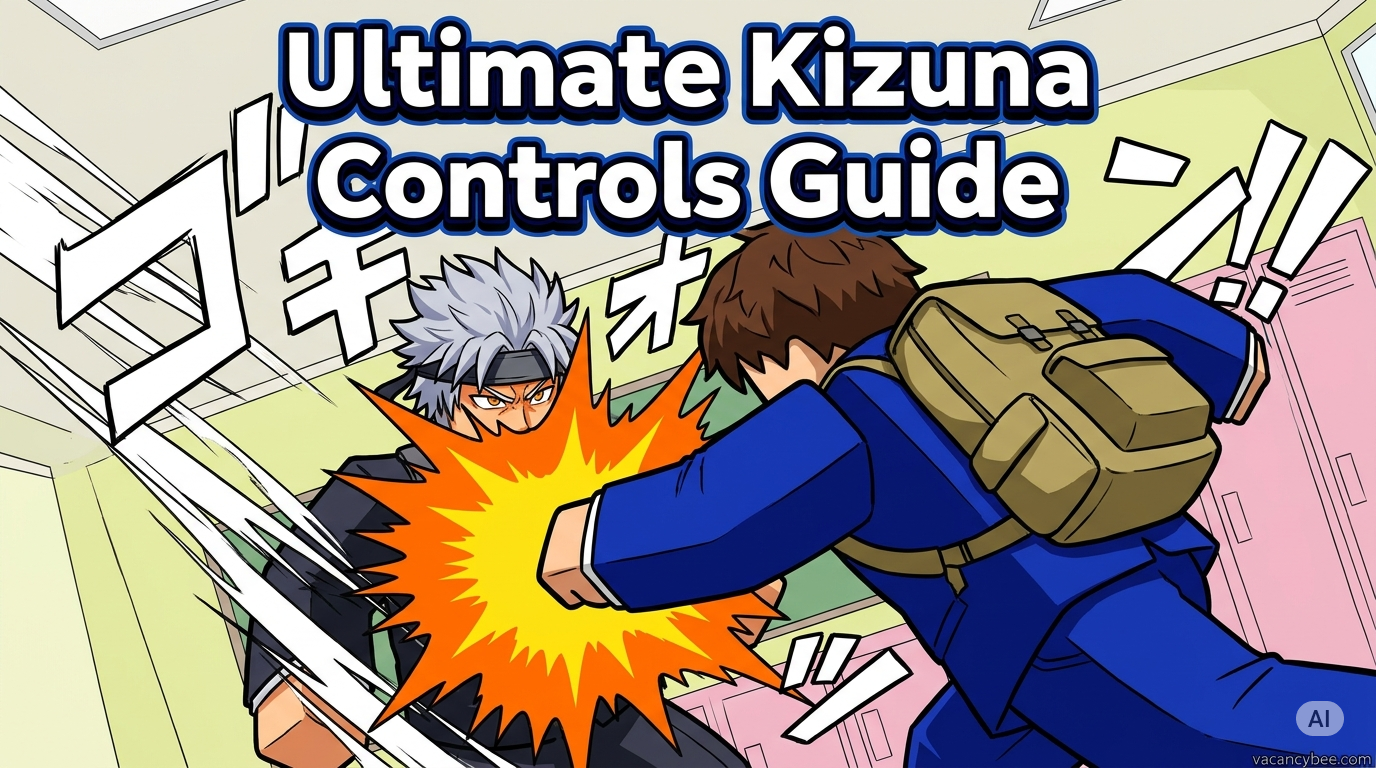
Roblox Kizuna (Kizuna High) looks like a chill anime school roleplay game until someone floors you in the hallway and you’re scrambling to remember which button blocks. I’ve put every default control in one place — movement, combat, basketball, soccer, dodgeball, skating, and the security role — plus how to rebind anything that feels awkward and the fight tricks most new players miss. Master this list and you’ll stop fumbling mid-fight, win more 1v1s, and actually enjoy the sports minigames instead of losing every tip-off.
| Category | Main Inputs | Purpose |
|---|---|---|
| Movement | W, A, S, D / Shift / Space / Q | Walk, sprint, jump, dash |
| Combat | LMB / F / R / RMB | Attack, block, critical, feint |
| Sports | E, T, F, LMB | Shoot, pass, guard, throw |
| Skating | Z / Space / E | Spawn board, ollie, kickflip |
| Security | H / LMB / RMB / R | Taser draw, fire, aim, reload |
All Kizuna Controls – Movement and General Keybinds
These are the keys you’ll use while exploring Kizuna High, chatting with students, or getting to class on time.
- Move: W, A, S, D
- Sprint: Hold Shift
- Jump: Space
- Dash: Q (B on console)
- First-person view: Tab (L1)
- Powerslide: C (B on console)
- Push: Shift (R2)
- Equip phone: P
- Emote: G
- Open timetable: J
- Raise hand: H (D-Up)
- Teacher menu: K (Select)
- Lock dorm door: N (Y)
- Give up: X
- Grab: R (Y on console)
The timetable (J) is the one I’d learn first — it shows your scheduled classes, and attending them is the cleanest way to stack stat boosts. The December 2026 update also made classes pay double, so showing up is finally worth it.
Two more day-to-day binds worth memorizing: Tab flips you into first person, which makes conversations and doorways far easier to handle, and Shift-push (R2) shoves students out of your path or off ledges. Part-time jobs and classroom minigames use the same base keys, so once this list is muscle memory, the whole school day runs itself.
Kizuna Combat Controls
Fighting is where Kizuna earns its “combat game” tag, and it’s timing-based, not button-mashing.
- Attack: Left Mouse Button (R2)
- Critical: R (Y on Xbox / Triangle on PlayStation)
- Block: F (L2)
- Feint: Right Mouse Button (R1)
- Takedown: X
- Grip: B
- Carry: V
- Equip fighting style or weapon: T (D-Up)
- Drop weapon: Backspace (D-Down)
How Fighting Actually Works?
Blocking with F is timing-sensitive: press it the moment an attack is about to land. Block too early or too late and it comes out weak, so a stronger move will break straight through it. After the latest patch, parry timing matches the visible hit frames, so what you see on screen is what counts — trust the animation.
Feints (RMB) are my favorite underrated tool. Start an attack, cancel it, and bait a defensive block you can punish with a critical. Speaking of criticals, they change depending on your fighting style: Karate hits harder, Taekwondo’s critical spins and throws everyone nearby, Judo’s is a grab-and-throw instead of a strike, and Wing Chun’s is a counter stance that punishes anyone who swings first. You roll styles by rarity and reroll to change them — the game asks twice before overwriting a rare one, so lock your attributes first and don’t spam confirm.
Attack rhythm matters as much as the buttons. Every style chains hits on different frame timings — Hitman has the fastest chain in the game but lighter damage, while Lethwei swings slow, heavy, and shreds guards. Learn your style’s chain rhythm in a few PvE scraps first; throwing punches at your own pace inside a combo is how chains get dropped mid-fight.
Kizuna Basketball Controls
- Shoot: E (X on console)
- Pass: T (R2)
- Guard: F (L2)
- Hands up: LMB (B on console)
- Steal: R (D-Left)
- Jab left: Z (R1)
- Jab right: C (L1)
- Back step: X (Y)
- Basketball mode: V (D-Up)
- Drop ball: Backspace (D-Down)
Toggle basketball mode (V) to unlock the dedicated actions, then hold guard when a driver gets close.
Kizuna Soccer Controls
- Kick: LMB (R2)
- Curved kick: Middle Mouse Button
- Pass or curve: RMB (L2)
- Lob: F (R1)
- Tackle: E (X)
- Rainbow flick: Q (Y)
- Call for pass: R (B)
The rainbow flick is pure disrespect, but lob passes (F) over a defender’s head win more goals.
Kizuna Dodgeball Controls
- Ready up: E (X)
- Throw: LMB (Y)
- Cancel throw: RMB (B)
- Catch: F (L2)
- Drop ball: Backspace (D-Down)
Catching is the whole mind game: charge a throw, watch them wind up, then press F at the last moment to turn their ball against them.
Kizuna Skating Controls
- Spawn skateboard: Z (D-Down)
- Ollie: Space (A on Xbox / X on PlayStation)
- Kickflip: E (X on Xbox / Square on PlayStation)
Once the board is out, W, A, S, D steers it like normal movement. If tricks refuse to register or you hit a “NO SPEED” message, check that you’re not in a work shift or combat state — the board locks out during both.
Kizuna Security Role Controls
The security job gives you a taser with its own keybinds.
- Draw taser: H (D-Up)
- Fire: LMB (R2)
- Aim: RMB (L2)
- Reload: R (X)
How to Change Keybinds in Kizuna
Defaults not clicking? Rebind them in under a minute:
- Open the in-game Menu.
- Go to Settings.
- Scroll down and select Keybinds.
- Pick Keyboard (PC) or Controller (console).
- Click the binding you want to change.
- Press the new button to assign it.
I moved dash off Q onto a side mouse button and my escape rate in fights improved immediately — comfort beats convention every time.
Pro Tips to Win More Fights in Kizuna
- Dash before you block. Q-dashing resets positioning and forces whiffs, and a whiff is a free critical window.
- Build around grabs. Grip (B) and Carry (V) bypass blocking entirely, so mix them into every string.
- Farm classes while they pay double. The December 2026 update doubled class payouts, and stat boosts carry straight into PvP.
- Catch the school festival before it ends. The current festival wraps up November 28 at 3 PM ET — quick event rewards while you grind.
- Verify style strength yourself. Rarity and roll odds don’t decide fights; frame data does. Even the Mythic Lao Kuen gets power from its 0.28-second weave that copies your opponent’s heavy attack.
FAQs
How do you equip a fighting style or weapon in Kizuna?
Press T on PC or D-Up on console to equip your fighting style or weapon.
How do you block attacks in Kizuna?
Press F (L2) right as the attack lands. Early or late blocks come out weak and get broken by heavier hits.
How do you get and ride a skateboard in Kizuna?
After obtaining a skateboard, press Z (D-Down) to spawn it, then steer with W, A, S, D and use Space or E for tricks.
Does Kizuna support controllers?
Yes. Kizuna plays on PC, Xbox, and PlayStation, with full console button support and rebindable controller keybinds.
Where do I get new fighting styles?
Styles roll by rarity on new slots and rerolls. Redeem codes for free rerolls, and check the official Discord (discord.gg/kizunahigh) for fresh codes and updates.
Related Content
- Planning another Roblox grind? My Huss Valley beginner’s guide covers controls, abilities, and early progression.
- Love the soccer minigame? Grab the latest Driven Football codes for free coins and attribute points.
- For more PvP pick comparisons, see my Roblox Cat Battles ability tier list.

Related Articles