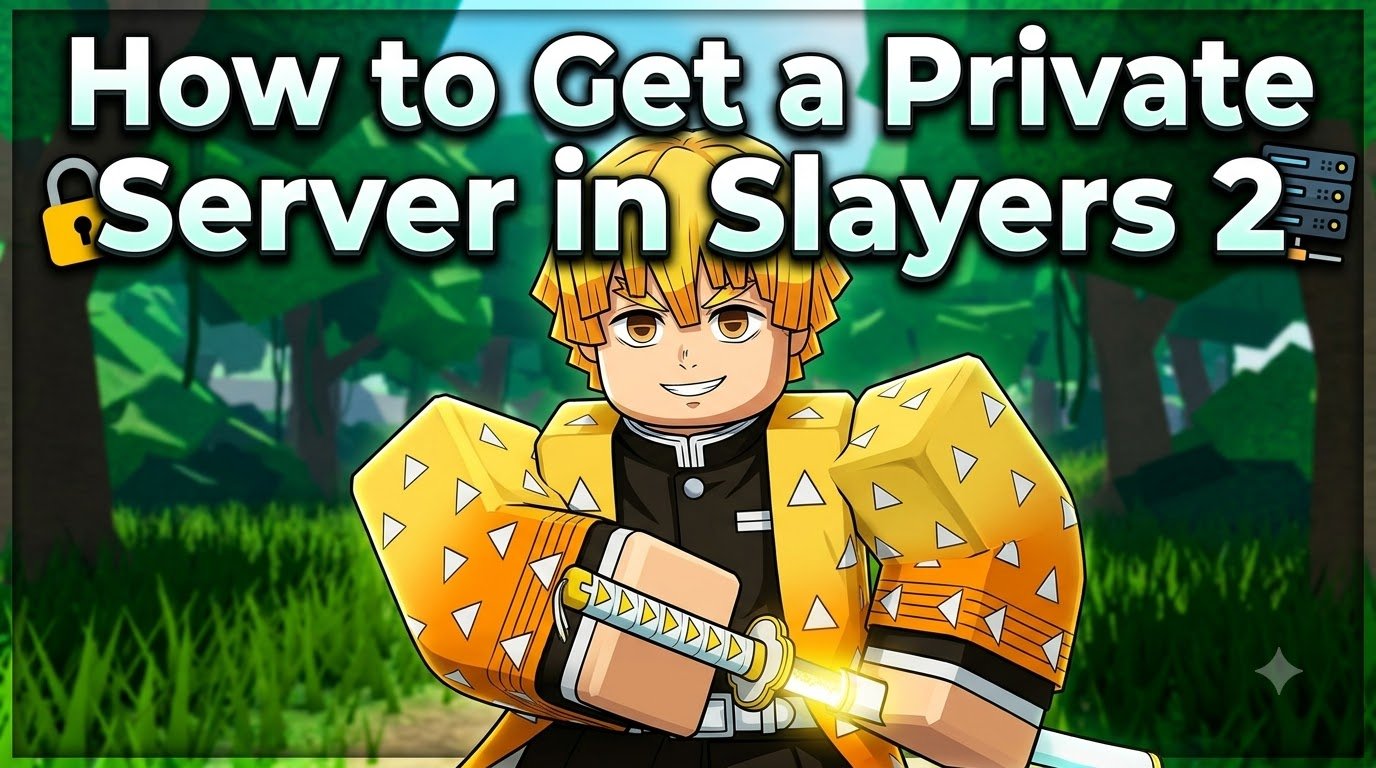
Getting a private server in Slayers 2 means buying the VIP subscription for 150 Robux per month, then joining through the main menu. Plenty of guides skip the billing catch, so I cross-checked the details and put them together here. Below is the quick summary, followed by exact steps, how friends join, and the chat commands that control your server.
| Detail | Answer |
|---|---|
| Requirement | VIP subscription |
| Price | 150 Robux per month (recurring) |
| Where to buy | Main menu → Unlock Private Servers, or Shop → VIP panel |
| Bonus perks | Clan Bag, Evil Art Bag, VIP shop access |
| Level needed | None |
What You Need First?
You only need a Roblox account with at least 150 Robux. There’s no level or quest requirement, so you can buy VIP on day one. VIP also bundles the Clan Bag and Evil Art Bag, so it isn’t just a server pass. That makes the monthly fee easier to justify if you were planning to buy those anyway.
Step-by-Step: Unlock Your Private Server
- Launch Slayers 2 and stay on the main menu.
- Under Play, find Unlock Private Servers directly below the Join button.
- Roblox’s purchase window opens, listing VIP at 150 Robux per month. Confirm it.
- Pick a character slot, press Play, then Join.
- If a server selection box appears, type your own Roblox username exactly, then press Join.
Can’t find the button? Open the side menu, go to Shop, and click the locked VIP panel. It opens the same purchase prompt.
How to Join a Friend’s Private Server?
Open the same server selection menu and type your friend’s exact Roblox username. Usernames are case-sensitive, and you must be friends with the owner first. You can’t use this to enter a stranger’s server.
Slayers 2 Private Server Commands
Type these in the normal in-game chat, replacing <player> or <message> with the real value.
| Type | Commands |
|---|---|
| Player control | /kick, /ban, /unban, /whitelist, /unwhitelist + <player> |
| Access | /access closed, /access friends, /access everyone |
| Combat | /pvp on/off, /pve on/off |
| Messaging | /announce <message> |
| Owner only | /mod, /unmod, /shutdown |
Whitelisted players can enter even when the server is closed, and /ban works on offline players. Moderators handle most tasks, but only the owner can use /mod, /unmod, and /shutdown, which restarts the session and removes everyone.
Is a Private Server Worth It?
If you fight over boss spawns or farm ores, Blue Lilies, and Horse Mounts, I’d say yes. Nobody can steal a spawn or block your route. It’s also great for PvP events, clan battles, and testing Breathing Styles with a friend, because you decide exactly who enters and when.
My go-to event setup is /access closed, then /pve off, whitelist your participants, and finish with /pvp on. Afterward, run /pve on, or the world stays NPC-free and your farming runs dry. Once you’re set up, check the best damage accessories in Slayers 2 before your first event, and the Slayers 2 items list for weapons.
Common Mistakes to Avoid
- Forgetting it’s recurring. VIP renews monthly until you cancel it in your Roblox account’s subscriptions, not inside the Slayers 2 shop.
- Wrong username case. One incorrect capital letter stops you from joining.
- Leaving PvE off. Quests and bosses won’t work without NPCs.
- Typos in
/kickor/ban. Double-check the name before sending.
Pro tip: Keep /access friends as your default, so random players never wander in mid-session.
FAQs
Is a Slayers 2 private server a one-time purchase?
No. It’s a 150 Robux monthly subscription that keeps charging until you cancel it through your Roblox account.
How much does a Slayers 2 private server cost?
Several guides list VIP at 150 Robux per month, and that’s the price shown in the purchase prompt. Check the prompt before confirming, since prices can change.
Can I get a free private server in Slayers 2?
I couldn’t verify any working free method. Shared codes on TikTok or Discord are unreliable, and never give anyone your login details.
Can I play with friends on my private server?
Yes. Friends type your exact Roblox username in the server menu, or you can use /whitelist to let specific players in.

Related Articles