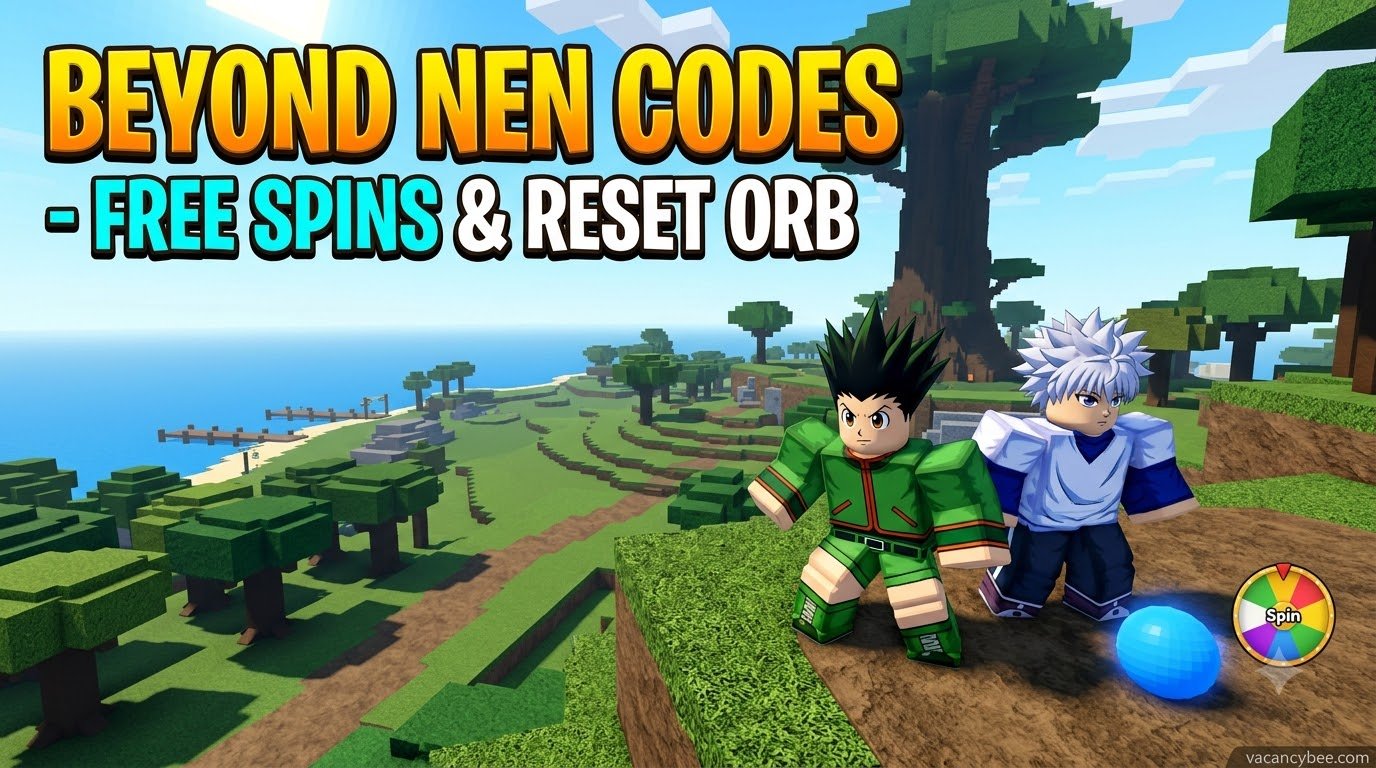
Beyond Nen codes give you free Spins and a Reset Orb to reroll your race, lineage, affinity, and abilities in this Hunter x Hunter-inspired Roblox RPG. As of November 2026, there are 6 working codes worth 100 Spins and 1 Reset Orb in total. I cross-checked every code below across multiple sources, and none have expired yet. Join the game’s Roblox group before redeeming, or the codes may not work.
| Quick Facts | Details |
|---|---|
| Working codes | 6 |
| Total rewards | 100 Spins + 1 Reset Orb |
| Newest codes | 20KLIKES, PATCH2! |
| Requirement | Join the Roblox group |
| Expired codes | None yet |
Beyond Nen Codes November 2026
What Is Beyond Nen?
Beyond Nen is a Roblox action RPG based on the Hunter x Hunter world. You start on Whale Island, hunt for treasure, fight enemies, and grow your Nen abilities while preparing for the Hunter Exam. The arena lets you test your build against other players, so a strong roll matters in both PvE and PvP. Customizing your look is free, but your race, lineage, affinity, and ability all depend on Spins. That is exactly why codes are the fastest way to cut the grind without spending Robux.
Active Beyond Nen Codes
| Code | Rewards | Status |
|---|---|---|
| 20KLIKES | 10 Spins | Active (New) |
| PATCH2! | 20 Spins | Active (New) |
| THANKYOU! | 10 Spins | Active |
| PATCH1! | 30 Spins | Active |
| UPDATECOMING | 20 Spins | Active |
| RELEASE! | 10 Spins + 1 Reset Orb | Active |
Copy each code exactly as shown. They are case-sensitive, and the exclamation marks are part of the code.
Expired Beyond Nen Codes
| Code | Previous Rewards | Status |
|---|---|---|
| None | – | No expired codes yet |
No codes have expired yet. I move codes to this table as soon as they stop working, so check back here if a code throws an error.
How to Redeem Beyond Nen Codes?
Before You Start
Join the official Beyond Nen Roblox group first. It also doesn’t hurt to like the game on its Roblox page, since some guides list that as a requirement. After that, pick the right menu, because the game has two redemption routes.
Method 1: Customize Menu (Spin Codes)
Use this route for 20KLIKES, PATCH2!, THANKYOU!, PATCH1!, and UPDATECOMING:
- Launch Beyond Nen on Roblox.
- Click Customize on the left side of the screen.
- Find the Codes box at the bottom right.
- Paste a code exactly as shown.
- Click Redeem to claim your Spins.
Method 2: Menu > Products (Item Codes)
RELEASE! gives a Reset Orb alongside its Spins, and codes that award items can’t be redeemed from the Customize screen. Use this route instead:
- Press M to open the in-game Menu.
- Select Products.
- Open the Codes tab.
- Enter the code and click Redeem.
Which Codes Should You Redeem First?
The order doesn’t change the rewards, but I’d work through them in two passes. Start in the Customize menu and enter 20KLIKES, PATCH2!, THANKYOU!, PATCH1!, and UPDATECOMING, which add up to 90 Spins. Then open Menu > Products and redeem RELEASE! for the last 10 Spins and the Reset Orb. This keeps you from hitting a “wrong menu” error halfway through and wasting time rechecking spellings.
Why Are My Beyond Nen Codes Not Working?
Most failures come down to a handful of causes:
- Missing group membership: Join the Roblox group, then rejoin the game.
- Typos or extra spaces: Copy and paste instead of typing. A stray space breaks a code.
- Wrong case or punctuation: Codes are case-sensitive, and the “!” counts.
- Wrong menu: Item-granting codes like RELEASE! won’t redeem from Customize.
- Wrong game: Several Hunter x Hunter-style Roblox games exist, and their codes don’t carry over. Make sure you’re in Beyond Nen itself.
- Expired code: Developers can retire codes without warning. If a fresh code is rejected, rejoin the server and try once more.
How to Spend Your Free Spins?
Spins reroll your race, lineage, affinity, and ability, so they shape your entire build. Here is how I’d approach them:
- Redeem everything first. All six codes together give 100 Spins, so claim them all before your first roll to see your full budget.
- Don’t miss the Reset Orb. RELEASE! is the only code that includes one, and it’s easy to lose if you redeem it in the wrong menu.
- Aim for a strong affinity. Community rankings currently place Enhancement and Transmutation among the strongest affinities. Treat that as a rough guide, since rankings shift with updates.
- Watch patch notes. Codes like PATCH1!, PATCH2!, and UPDATECOMING are tied to updates, so new codes tend to appear around patches.
How to Get More Beyond Nen Codes?
- Official Discord: Join the Beyond Nen Discord for announcements, giveaways, and code drops.
- Roblox group: Check the group page for developer posts and update news.
- In-game patch notes: New codes often arrive alongside updates.
- This page: I add new codes here and move dead ones to the expired table.
Common Mistakes to Avoid
- Typing codes by hand instead of pasting them.
- Redeeming before joining the Roblox group.
- Using the Customize menu for RELEASE!.
- Trusting outdated code pages. Several still show only two older codes or none at all. The six above are the current list.
FAQs
How many Beyond Nen codes are active?
Six codes are active in November 2026: 20KLIKES, PATCH2!, THANKYOU!, PATCH1!, UPDATECOMING, and RELEASE!. Together they give 100 Spins and 1 Reset Orb.
Do Beyond Nen codes expire?
None have expired yet, but developers can retire codes at any time. Redeem them all now rather than saving them for later.
Why won’t RELEASE! redeem?
It includes an item, so redeem it through Menu > Products instead of Customize. Also confirm you joined the Roblox group and typed the exclamation mark.
Do I need to join the Roblox group to redeem codes?
Yes. Join the official group first, then rejoin the game if a code still fails.
Is there a Beyond Nen Discord?
Yes. The official Discord posts announcements, giveaways, and new codes, so it’s the best place to catch drops early.

Related Articles