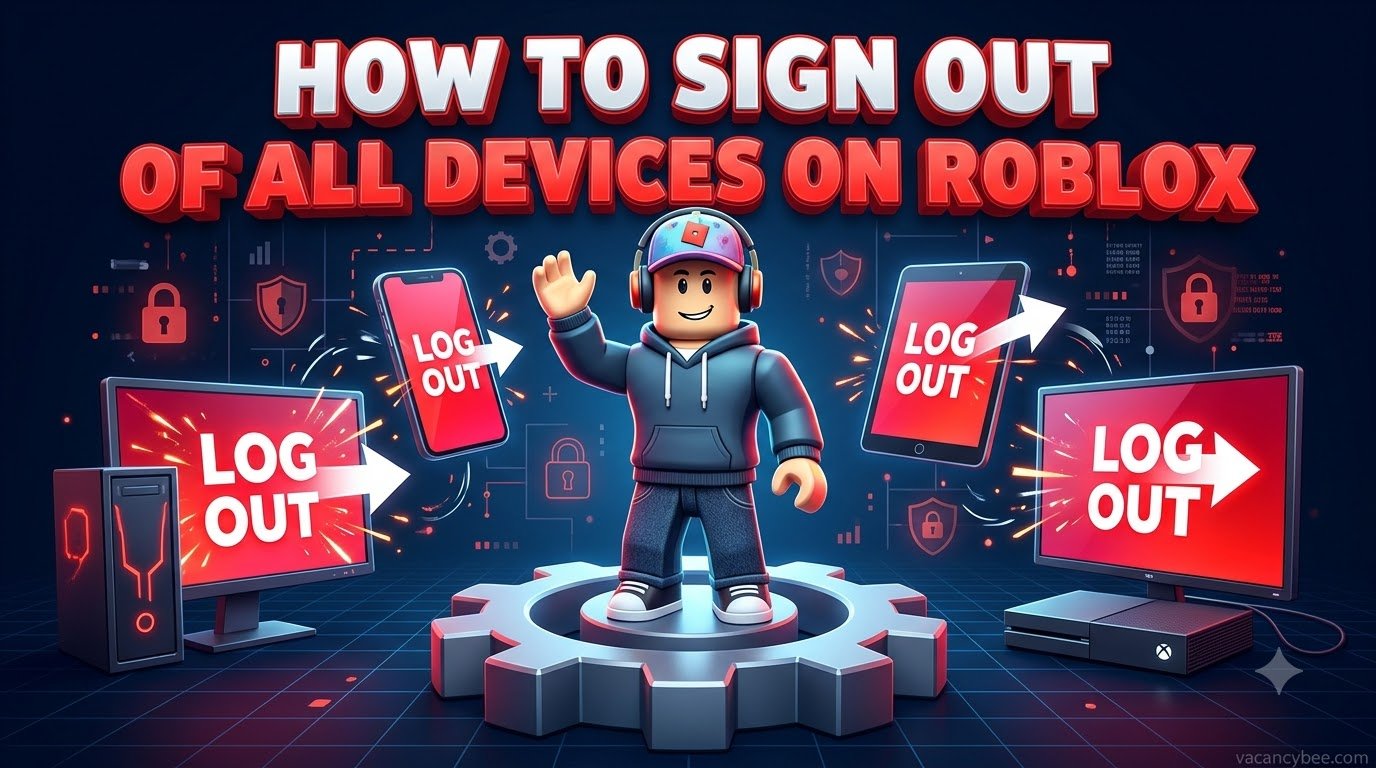
To sign out of all devices on Roblox, open Settings, go to the Security tab, scroll down to “Where you’re logged in,” and tap Log Out of All Other Sessions. Roblox instantly ends every session except the one you’re currently using.
Here’s the whole process at a glance:
| Action | Where to find it | What it does |
|---|---|---|
| Log Out of All Other Sessions | Settings → Security → Where you’re logged in | Signs out every device except the one you’re on |
| Log out of session | Tap any single session in the same list | Kicks one device remotely, no access needed |
| Change Password | Settings → Account Info | Forces a fresh login everywhere |
I’ve run this after lending my account on a shared PC, and it took under a minute. Below I’ll walk you through the exact steps for PC, the mobile app, and consoles, plus what I do afterward to make sure the account stays mine. If you’re here because someone logged in without permission, do the password change in the security section too — logging sessions out only locks the door, it doesn’t change the lock.
What Happens When You Log Out Everywhere?
When you hit Log Out of All Other Sessions, Roblox kicks every phone, tablet, PC, and console signed into your account back to the login screen — except the device in front of you. Nothing is lost: your Robux, avatar items, friends, and game progress live on Roblox’s servers, not on any device. Two details are worth knowing before you press the button. Sessions listed as “Unknown” are just older, inactive logins whose data Roblox no longer keeps, so don’t panic when one appears. And if you have a verified email, Roblox sends a security alert whenever your account is accessed from a new device or IP address — real alerts only ever come from no-reply@roblox.com, so anything else asking you to “verify” something is phishing.
How to Sign Out of All Devices on PC or Browser?
- Log in at roblox.com.
- Click the gear icon in the top-right corner and choose Settings.
- Open the Security tab in the left sidebar.
- Scroll down to Where you’re logged in — every entry shows the device, its approximate location, and when it was last active.
- Click Log Out of All Other Sessions at the very bottom of the list.
- Confirm by clicking Log Out in the pop-up window.
That’s it. Anyone using your account on another device is dropped to the login screen immediately, and the session list clears on their end too.
How to Sign Out of All Devices on Mobile (iPhone & Android)
- Open the Roblox app.
- Tap More — the three-dot icon in the bottom-right corner.
- Scroll down and tap Settings.
- Select Security.
- Swipe down to the Where you’re logged in section.
- Tap Log Out of All Other Sessions, then tap Log Out to confirm.
One tip I learned the hard way: before you do this on a phone, check that your email or phone number is verified under Account Info. If the app glitches halfway through the logout, that verified contact info is your fastest way back into the account.
How to Kick a Single Device (or a Console) Remotely?
Don’t need a full sweep? In the same Where you’re logged in list, tap the suspicious session, review its device name, location, and last-active time, then choose Log out of session. That device is out instantly, and you never need physical access to it.
Consoles are the blind spot most guides skip: the Roblox app on Xbox doesn’t expose the Security tab, so you can’t sign anything out from the couch. Open roblox.com in any browser — phone, laptop, anything — and run the steps above instead; the console drops back to its login screen on the next session check. Also note the plain Log Out button in the mobile app only signs out that one device. I’ve seen plenty of players tap it, breathe easy, and leave a stolen session running on another phone.
When You Should Sign Out of All Devices?
I do this cleanup in four situations: after logging in on someone else’s PC, phone, or a school or library computer; after a friend borrowed my account; when a security email reports a login I don’t recognize; and whenever the session list shows a city I’ve never played in. It’s also the smart move right after recovering a hacked account, because attackers often leave extra logins you can’t see from your own device. The routine costs less than a minute, and skipping it is how “I only used their PC once” turns into a stolen Robux balance. Once you’re back in and hunting free rewards instead, grab the newest Beyond Nen codes or Punch Walls to Escape codes while you’re at it.
After Signing Out: Lock the Door Properly
Signing sessions out ends current access; these three steps make sure nobody walks straight back in.
- Change your password (Settings → Account Info). A reset forces a fresh login and ends sessions, but some players report older app sessions surviving it — so I always pair the reset with Log Out of All Other Sessions.
- Turn on 2-Step Verification in the Security tab. In 2026 Roblox also supports passkeys, and there’s an Enhanced Protection mode that requires a passkey or hardware key instead of codes, so a stolen password alone can’t get in.
- Verify your email. That’s what triggers the new-login alerts, and Roblox’s official account recovery depends on it.
If the account was genuinely compromised, use Roblox’s official support form — never a “Roblox admin” in Discord or a YouTube comment promising to recover it for you.
Common Mistakes to Avoid
- Logging out only in the app. The mobile Log Out button signs out that single device — the Security tab is what reaches everything else.
- Skipping the password after a hack. Session logout blocks the logins you can see; a password change takes away the key the attacker already copied.
- Ignoring “Unknown” sessions. They’re usually harmless leftovers, but if one keeps showing as recently active, log it out and change your password.
- Trusting fake security emails. Real Roblox alerts come from no-reply@roblox.com and never ask for your password. When in doubt, type roblox.com into your browser yourself.
Frequently Asked Questions
Does changing your Roblox password log you out of all devices?
Yes — a password reset ends the other sessions. I still run Log Out of All Other Sessions afterward, because a few older sessions can survive the reset.
How do I see which devices are logged into my Roblox account?
Settings → Security → Where you’re logged in. Every active session lists its device, approximate location, and last-active time.
Can I log someone out without changing my password?
Yes. Log Out of All Other Sessions does exactly that and keeps your current login intact.
Does logging out delete my Robux or items?
No. Everything is saved to your account in the cloud — all you lose is a login screen.
Why does Roblox keep logging me out randomly?
Usually cleared browser cookies, private or incognito windows, or an expired session. If it happens on every device without warning, change your password — someone else may be forcing you out.
Related Roblox Guides

Related Articles