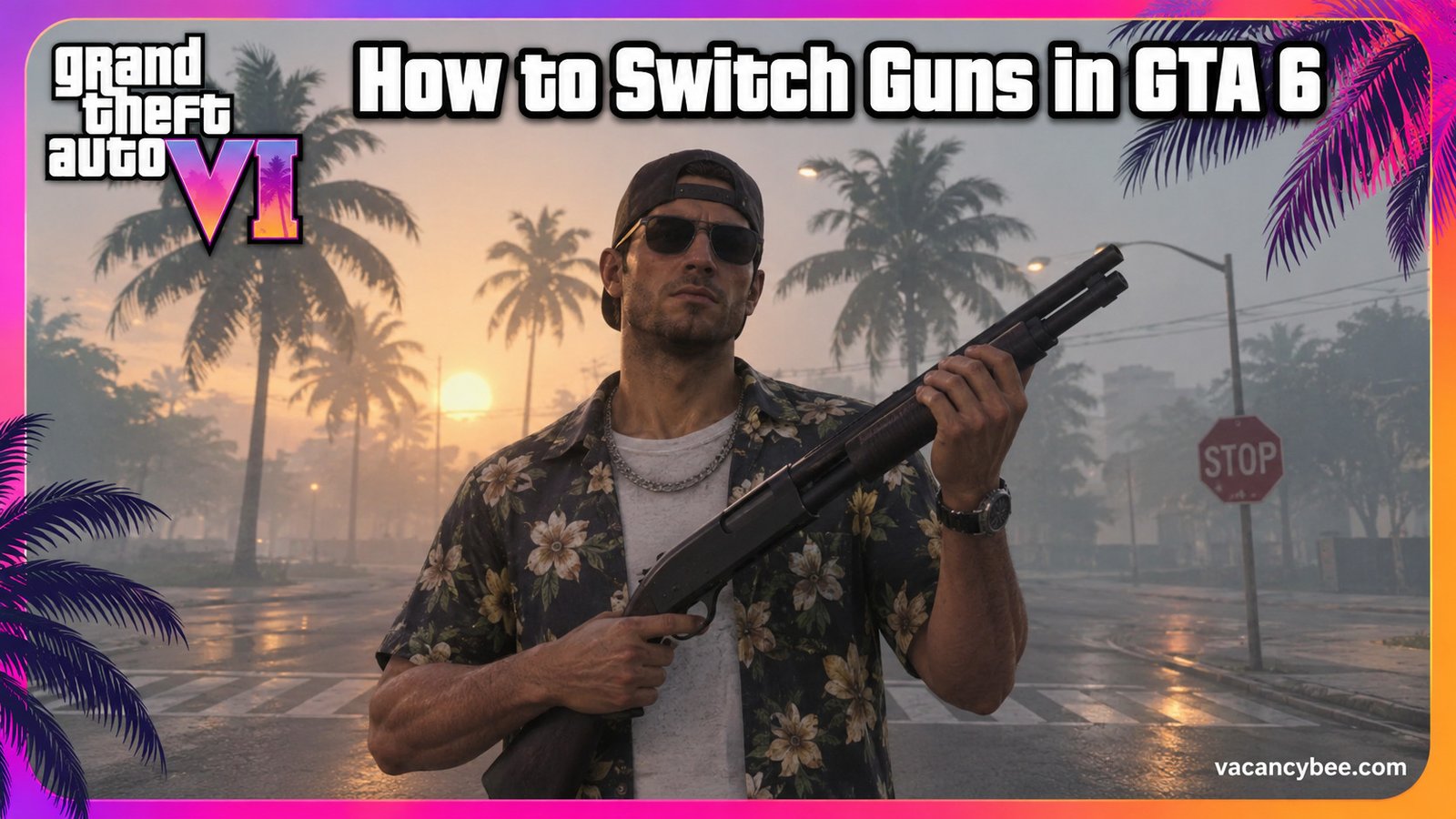
To switch guns in GTA 6, hold L1 on PlayStation 5 or LB on Xbox Series X|S to open the weapon wheel, push the right stick toward the gun you want, and release the button to equip it. That works on foot and while driving. While aiming, you can also hold L2/LT and press Triangle/Y to quick-swap between your long arm and sidearm without opening the wheel at all.
I’ve been running heists and street fights across Leonida since launch on November 19, 2026, and the weapon system is honestly the biggest shake-up from GTA 5. Jason and Lucia can each only carry two sidearms and two long arms, so knowing every swap method — and where your spare guns live — matters more than ever. Here’s everything: the wheel, the quick-select trick, loadout rules, and the mistakes I see players make every day.
| Switch Method | PS5 | Xbox Series X|S | Best For |
|---|---|---|---|
| Weapon wheel | Hold L1 → right stick → release | Hold LB → right stick → release | Any gun or item, on foot or driving |
| Cycle wheel slots | R1 (wheel open) | RB (wheel open) | Hopping between neighboring weapons |
| Quick swap while aiming | Hold L2 + press Triangle | Hold LT + press Y | Flipping primary ↔ sidearm mid-fight |
| Quick select | Tap L1 | Tap LB | Instantly drawing your marked weapon |
| Holster | Hold L1, choose unarmed | Hold LB, choose unarmed | Blending in on busy streets |
How the Weapon Wheel Works in GTA 6?
The weapon wheel is your main switching tool, and it takes about two seconds to master:
- Hold L1 (PS5) or LB (Xbox) — the wheel overlays the action without fully pausing the game.
- Flick the right analog stick toward the weapon you want to highlight; sidearm slots sit at the top of the wheel, long arms at the bottom-left, with melee, throwables, and gear like binoculars filling the rest.
- Release L1/LB and your character draws that gun instantly.
Two things make GTA 6’s wheel different from GTA 5’s. First, it only shows weapons in your active loadout — not every gun you’ve ever bought — so a clean trunk means a clean wheel. Second, it works inside vehicles, which is a lifesaver when a pursuit suddenly turns into a shootout and I need to pull a rifle from the driver’s seat.
While the wheel is open, press R1/RB to flip between weapons and items without moving the stick. And when you spot a gun on a body or the ground, a single press of L1/LB picks it up and equips it — the wheel then shows it next to your current loadout so you can compare stats before deciding whether it earns a slot.
Keep that pickup habit sharp, because the full arsenal is huge: GTA 6 tracks 53 firearms across 16 sidearm and 37 longarm classes, plus nine melee weapons and four explosive types, on top of collectible unique variants marked with a golden gun icon. Your four carry slots will never hold all of that — which is exactly why the fast-switch tools below are worth drilling until they’re muscle memory.
Quick Swap and Quick Select Tricks
Opening the wheel mid-gunfight gets you killed, so here’s the faster stuff I rely on:
- Aim-and-swap: Hold L2 (PS5) or LT (Xbox) to aim, then press Triangle/Y to instantly swap between your primary weapon and sidearm. This is the fastest combat switch in the game — rifle out for range, then snap to the pistol when someone closes the distance.
- Quick select: On the weapon wheel, mark one gun as your quick-select weapon. After that, a single tap of L1/LB (instead of holding) auto-draws it while you’re holding anything else. I keep my shotgun marked and tap LB the moment a car full of enemies pulls up.
- Precision aiming: While aiming, press R3/RS to zoom in slightly for headshots and limb shots — perfect right after a quick swap when you need the first bullet to count.
GTA 6 Loadout Rules: Carry Limits, Trunk, and Ammu-Nation
Switching only works if the right guns are in your loadout, and GTA 6 is strict about that:
- You can hold 2 handguns and 2 long arms per character — one long gun in your hands and the other slung over your shoulder. That’s it.
- Slots full? You must throw a weapon to free space before picking up another one, so decide what you’re dropping before you loot.
- Your car trunk is your armory. Your loadout lives in your personal vehicle, so which car you bring and where you park it decides what’s available mid-mission. On foot, you’re stuck with the four guns on your back.
- Manage the trunk at Ammu-Nation weapon lockers (the bigger stores — hover over a store on the map and check the Features icon for a locker). From the locker menu, press Square/X on each weapon category to add or remove it from your trunk; culling guns you don’t use keeps your wheel fast to read during chases.
- Bought guns are recoverable, looted guns are not. If a purchased weapon is lost or destroyed, the locker gets it back. A shotgun or carbine lifted from a police trunk is gone the moment you drop it — treat looted weapons as temporary stopgaps, and check Ammu-Nation’s special stock before committing to a kit.
- Unique variants unlock for both characters. Find one collectible variant and it’s automatically available to Jason and Lucia alike — open the locker’s Manage Weapons menu and press Triangle/Y to browse the variants submenu and equip one.
That’s the whole economy of gun ownership in GTA 6: buy your core kit, loot the rest, and shuttle weapons between trunk and locker as your build changes. If you’re mapping out loadouts in other games too, our Survive a Million Monkeys guide breaks down classes and weapons in the same detail.
Common Mistakes to Avoid
- Brandishing in public. NPCs notice drawn weapons and react, so holster up (hold L1/LB and choose unarmed) until you actually need the gun.
- Building plans around looted guns. They vanish permanently once dropped — buy your core kit.
- A cluttered trunk. Every extra weapon clogs the wheel when you’re fleeing cops.
- Holding the trigger. Sustained fire tanks your accuracy at range; burst-fire instead.
- Ignoring shoulder swap. Press left on the D-pad to move the camera to your other shoulder for peeking around cover after a swap.
- Defaulting to lethal fire. Free aim lets me incapacitate instead of kill, and staying non-lethal keeps the cops from marking me as a bigger threat — one more reason quick swaps to a lower-caliber option are worth practicing.
- Waving guns at store staff. Even inside Ammu-Nation, employees don’t take kindly to customers brandishing rifles at the counter.
Frequently Asked Questions
Can you carry every weapon at once in GTA 6?
No. Each character carries two sidearms and two long arms at most, plus melee, throwables, and gear. The rest stays in your vehicle trunk or an Ammu-Nation weapon locker.
How do you put a gun away in GTA 6?
Hold L1/LB to open the weapon wheel and choose the unarmed/holster option. Keeping weapons holstered also stops bystanders and cops from reacting to you — and it’s the polite move inside gun stores, too.
Can you switch guns while driving in GTA 6?
Yes — the weapon wheel opens in vehicles the same way as on foot, so you can equip a different gun without stopping.
How do you recover lost weapons in GTA 6?
Visit a weapon locker at a larger Ammu-Nation and select Manage Weapons. Anything you bought there is recoverable, including your modified versions; picked-up weapons can’t be restored once dropped.
Is there a PC version of GTA 6?
Not at launch. As of December 2026, GTA 6 is only on PS5 and Xbox Series X|S, so every control here uses console inputs.
Related Content

Related Articles